Authorization Model
Overview
The authorization model in CIVITAS/CORE controls who can access which parts of the Platform and what actions they are allowed to perform.
Access rights are managed by assigning Roles to Groups of Users within a defined Scope.
This model allows permissions to be managed efficiently while supporting fine-grained access control across the Platform.
At the core of the authorization model are five key terms:
- Users: individuals who access the Platform
- Groups: collections of Users used for assigning Roles
- Roles: sets of Permissions defining what actions are allowed
- Permissions: individual actions such as read Dataset, create Group, update Data source, or delete Role
- Scopes: defines where a Role applies, either on the Platform or on a specific data-related element (e.g. Dataset, Data source, Data structure)
Access is granted through Assignments, which link a Group, a Role, and a Scope.
Role Types
CIVITAS/CORE uses two types of Roles to manage access:
- System Roles: control access to the Platform and administrative functions
- Data Roles: control access to data-related elements
Understanding this distinction is essential: System Roles and Data Roles are assigned in different parts of the UI and affect different parts of the Platform.
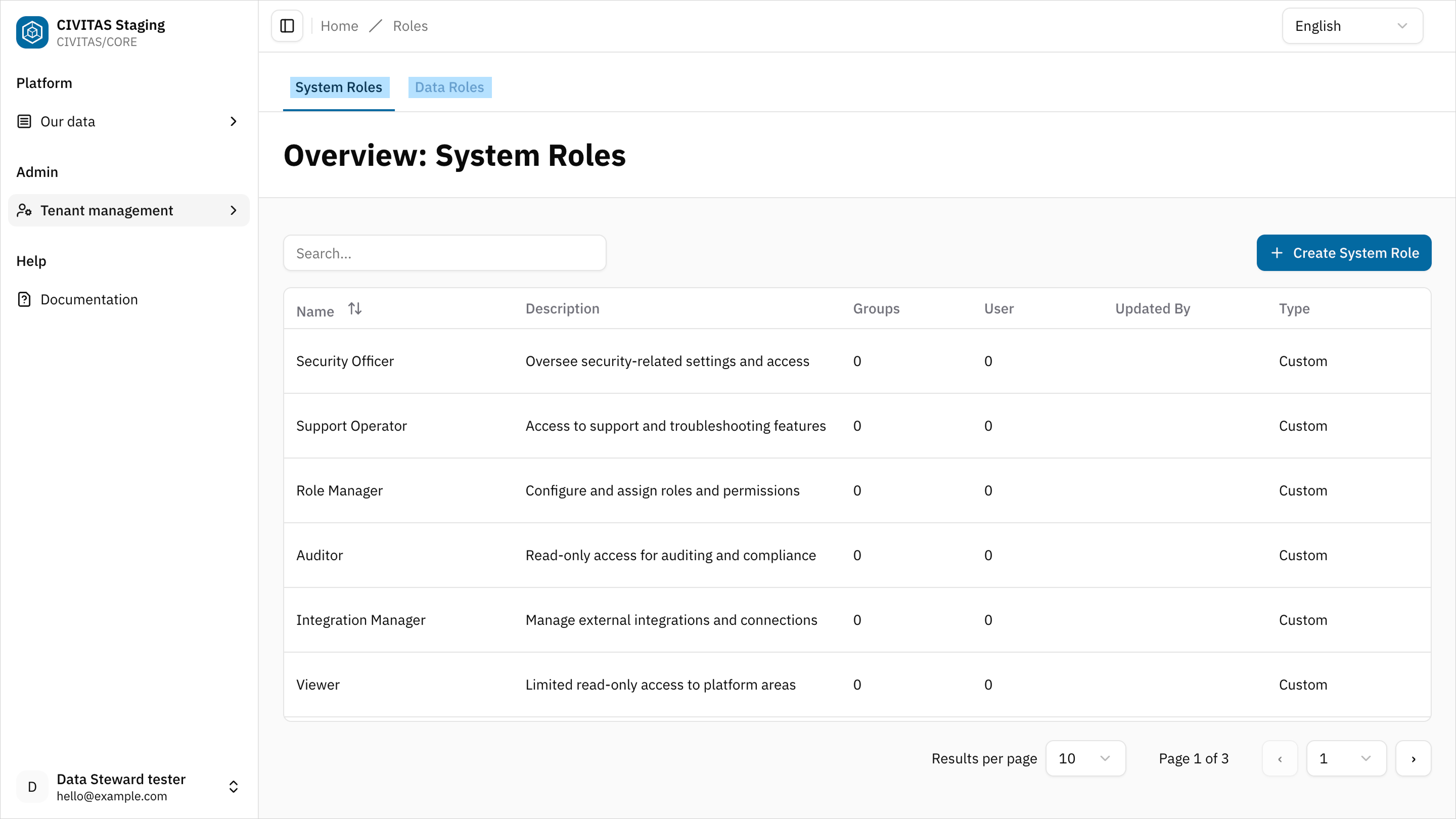
System Roles
System Roles define what a User can do in the Platform.
They control access to:
- User management
- Group and Role management
- Tenant configuration
You assign System Roles in Tenant management.
System Roles always apply at Platform level.
Assign the Tenant Admin Role to a Group to allow Users to:
- manage Users and Groups
- assign Roles
- configure tenant settings
Data Roles
Data Roles define what a User can do with data-related elements.
They control access to:
- Datasets
- Data sources
- Data structures
You can assign Data Roles at platform level in Tenant management OR at specific level in Access permissions in a data-related element.
Assign the Data Architect Role to a Group in Tenant Management to allow Users to:
- create Data structures, Data sources, and Datasets
- view and update all data-related elements across the Platform
- manage Access Management for all of them
Assign the Data Owner Role to a Group in the Access Permissions tab of a specific Dataset to allow Users to:
- view and update the Dataset
- manage Access permissions for the Dataset
- participate in the release process
How access is assigned
In CIVITAS/CORE, access is always granted through the following relationship:
This means:
- a Group receives one or more Role
- the Role grants a set of Permissions
- the Role applies within a specific Scope
Scopes can include:
- the Platform
- a Data source
- a Data structure
- a Dataset
This model allows you to assign access either platform-wide or to specific data-related elements, and never to individual Users or Permissions. This ensures consistent and maintainable access control.
Platform-wide Access management
You configure platform-wide access in Tenant Management in the ADMIN area.
At this level, you assign both:
- System Roles (Platform access)
- Data Roles (access to all data-related elements in the Platform)
You can:
- assign a Role to a Group
- assign a Group to a Role
Both actions create a platform-wide assignment.
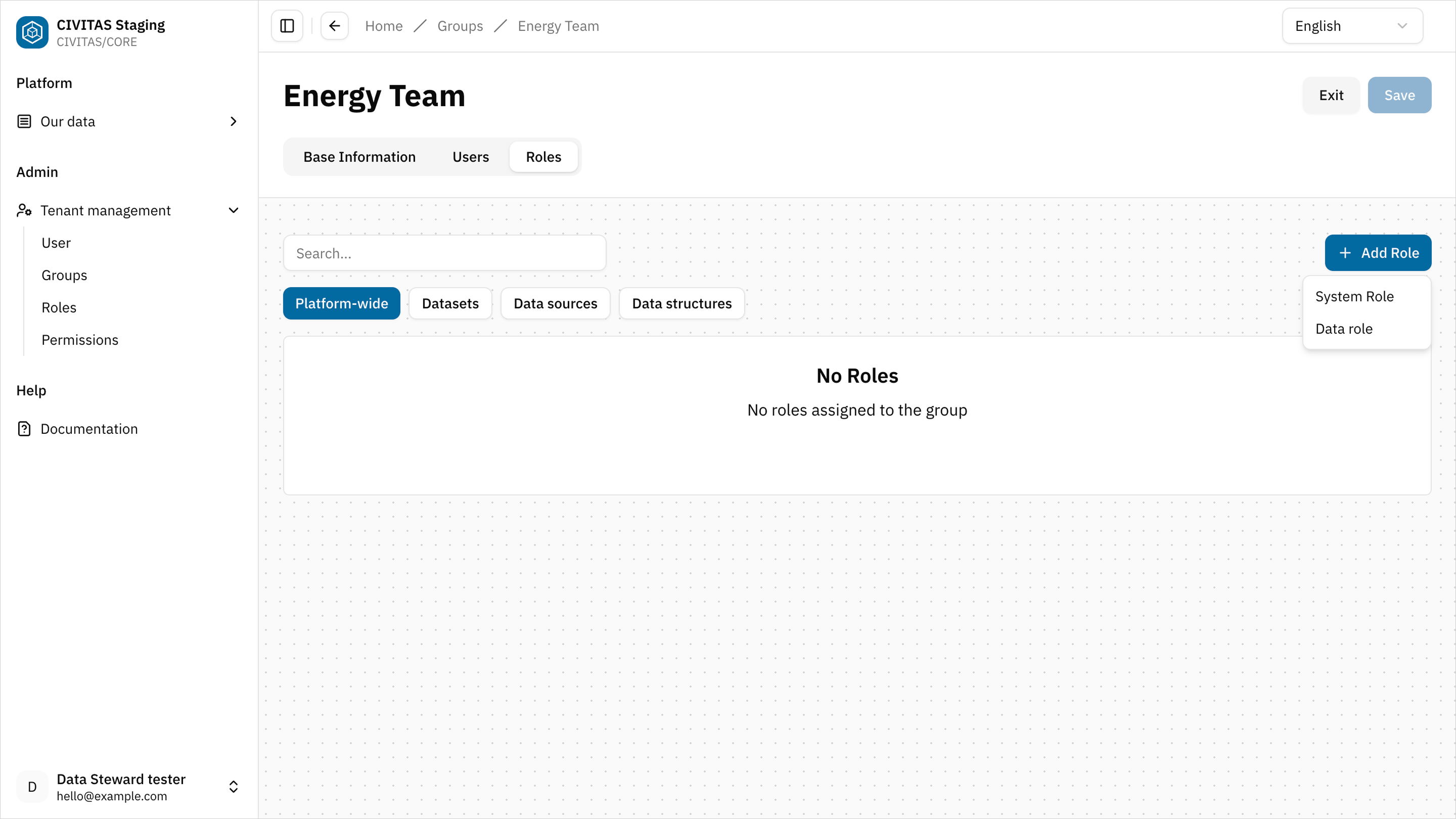
Platform-wide Data Roles grant access to all Datasets, Data sources, and Data structures in the tenant. More specific assignments on individual data-related elements do not limit this access.
Access management on specific data-related elements
This section is for roles that manage access directly on data-related elements: Data Architect, Data Steward, and Data Owner
Use Scope-specific access when a Role should apply only to a specific data-related element.
You assign access directly on the element in the Access Management tab of a data-related element.
Data Roles on data-related elements
When you assign a Data Role on a data-related element:
- its Permissions apply only to that Dataset, Data source, or Data structure
- Access is limited accordingly
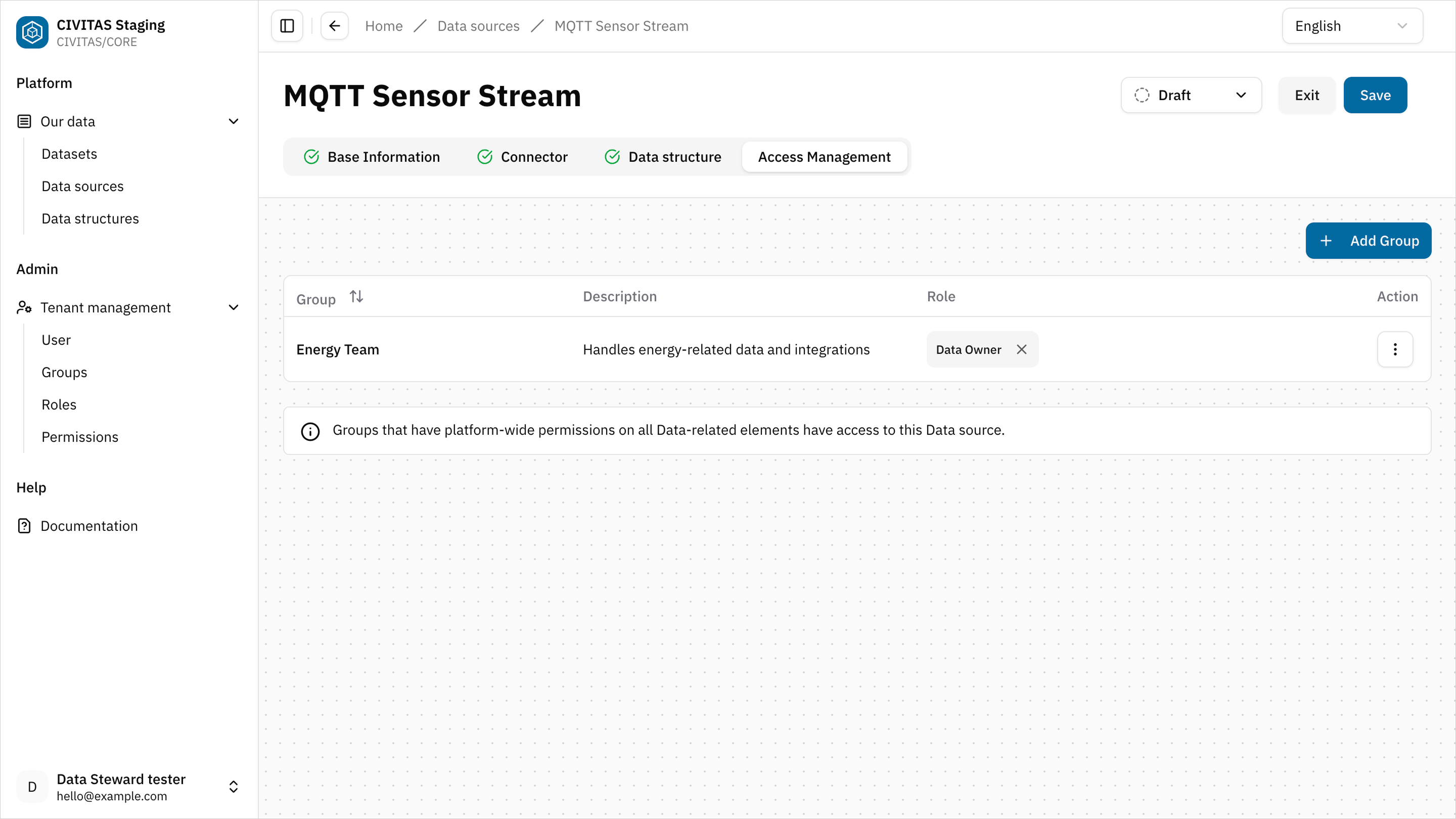
If a Dataset uses a Data source or Data structure in its pipelines, make sure access is assigned consistently across all involved data-related elements.
This means:
- assign the required Data Role to a Group on the Dataset
- and assign the same Group and Role on the referenced Data source and Data structure
Otherwise, Users may not be able to use the Data source and Data structure in pipelines and not fully configure or run the pipelines.
Make sure at least one Group has a Data Role with Platform-wide Scope that includes create Permissions (f.e., Data Architect).
Otherwise, Users cannot:
- create Datasets
- create Data structures
- create Data sources
Standard roles
CIVITAS/CORE provides predefined Standard roles.
These roles:
- contain predefined permissions
- are ready to use
- cannot be modified
Standard roles simplify initial Platform setup. Tenant admins can also create custom roles if needed.
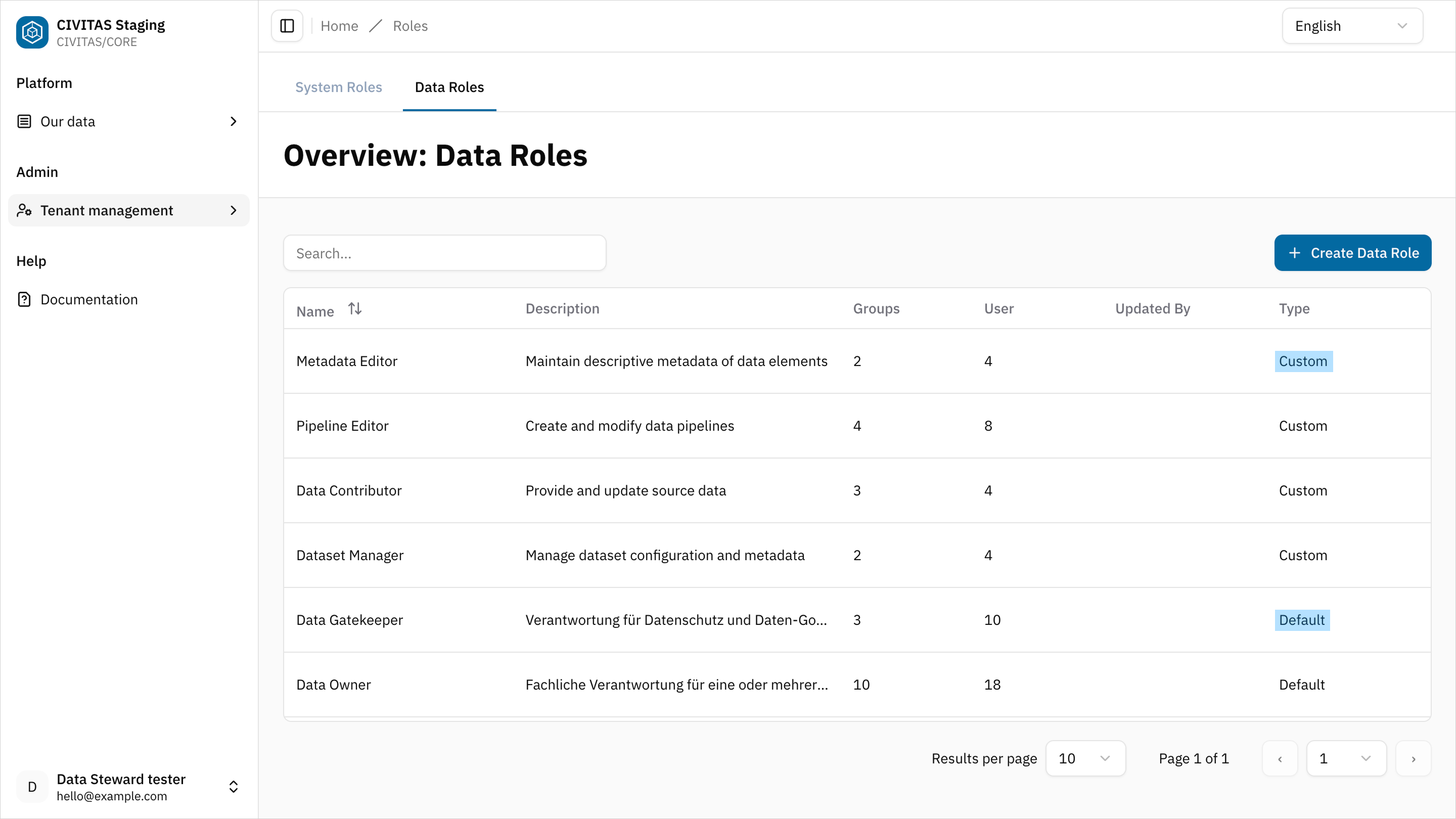
Best Practices for Tenant Admins
- Use groups to manage access, which reflect your organization
- Assign platform-wide Roles only where necessary
- Use Access management on data-related elements to control access to specific Datasets, Data sources, and Data structures
- Ensure at least one Group has a Data Role with create Permissions at Platform scope (for example, Data Architect)
Set up Roles at Platform level for general responsibilities, and manage access to specific Datasets separately.
- Assign the Data Architect Role at Platform level to allow creating Data sources and Data structures
- Assign the Data Owner Role at Platform level to review Data sources and Data structures and manage their release
- Manage access to individual Datasets in Access Management and assign Data Steward Roles only to specific Datasets to build and manage Pipelines for selected data
This setup ensures:
- central ownership of data creation and release
- controlled access to individual Datasets
- clear separation of responsibilities