Status lifecycle
Every data-related element like Data structureData structureA versioned data-related element that defines the schema and organization of data. It specifies how data is structured and interpreted within the Platform., Data structureData structureA versioned data-related element that defines the schema and organization of data. It specifies how data is structured and interpreted within the Platform. Version, Data sourceData sourceA data-related element that represents the origin of data. It defines how data is connected, accessed, and ingested into the Platform, such as an external database or sensor network., and DatasetDatasetA data-related element that contains processed data and makes it available for consumption. A Dataset is populated via Pipelines and carries Metadata and access permissions. in CIVITAS/CORE follows a clear lifecycle.
This lifecycle reflects how you typically work with data, from ongoing work to review to making data available for others.
The three core statuses
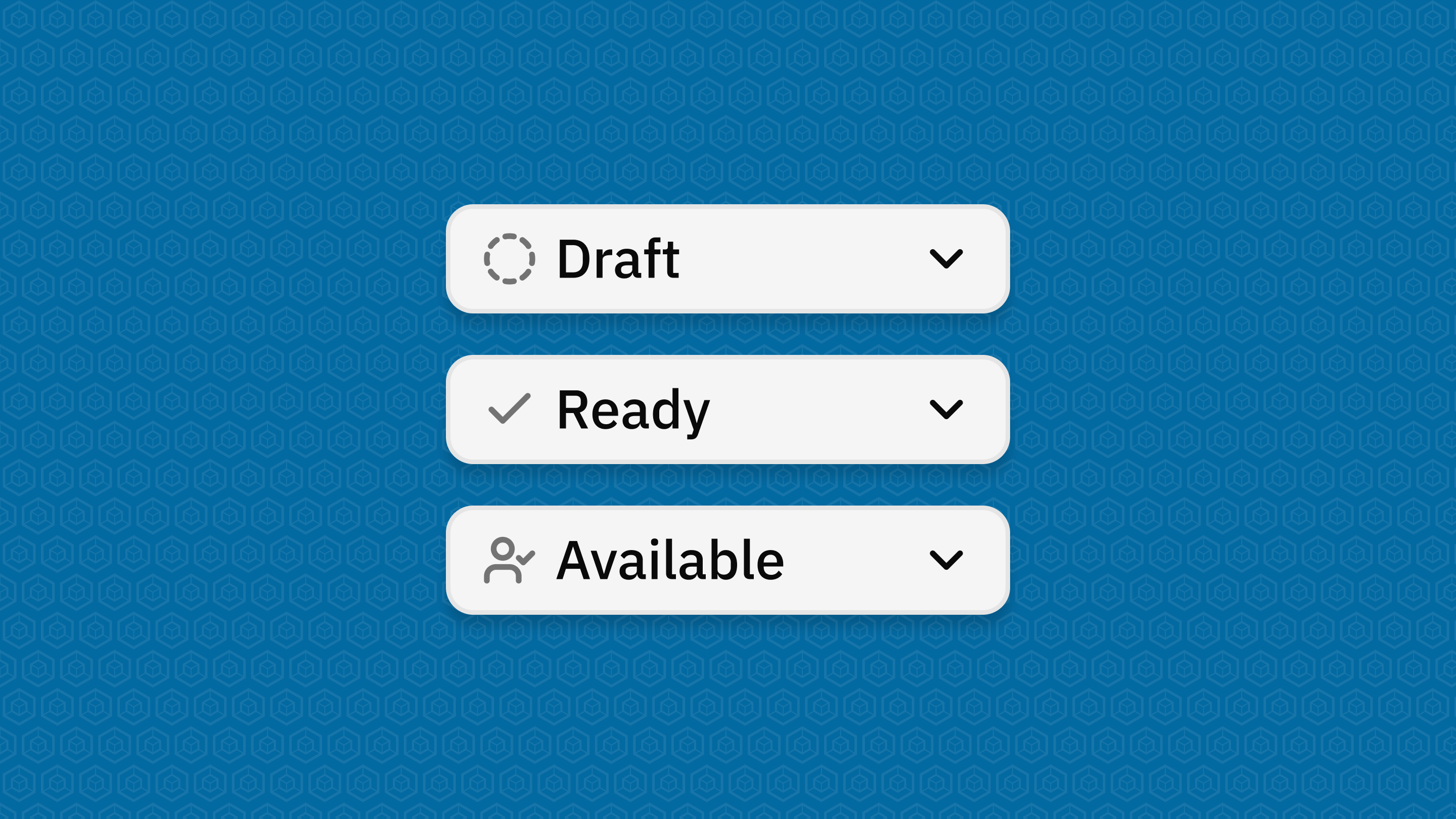
Draft
You are still working on your data-related element.
- You can create and edit content freely
- Required fields can still be incomplete
- You can save unfinished configurations (e.g., pipelines or structure definitions)
→ Use this status while building and iterating.
Ready (Datasets only)
Your DatasetDatasetA data-related element that contains processed data and makes it available for consumption. A Dataset is populated via Pipelines and carries Metadata and access permissions. is complete and ready for review.
- All required fields are filled and valid
- The DatasetDatasetA data-related element that contains processed data and makes it available for consumption. A Dataset is populated via Pipelines and carries Metadata and access permissions. can be checked before release
- You can still switch back to Draft if needed
→ Use this status to hand over the DatasetDatasetA data-related element that contains processed data and makes it available for consumption. A Dataset is populated via Pipelines and carries Metadata and access permissions. for review and release.
Available
Your data-related element is released and can be used by others.
- All required fields are completed and valid
- Access is granted according to the configured permissions
- For DatasetsDatasetA data-related element that contains processed data and makes it available for consumption. A Dataset is populated via Pipelines and carries Metadata and access permissions., configured Pipelines become active and the configured APIs provide access to the DatasetDatasetA data-related element that contains processed data and makes it available for consumption. A Dataset is populated via Pipelines and carries Metadata and access permissions. Payload
- Changes are restricted to protect stability
→ Use this status to make your data available on the Platform.
Important behavior to understand
Once a data-related element is in use, the Platform protects it:
- Some changes are no longer possible
- Structural updates may require creating a new version or a new data-related element
→ This ensures stability and reliability across the Platform.
Status transitions at a glance
-
You can always move:
-
Draft → Available (Data Structures and Data SourcesData sourceA data-related element that represents the origin of data. It defines how data is connected, accessed, and ingested into the Platform, such as an external database or sensor network.)
-
Draft → Ready → Available (DatasetsDatasetA data-related element that contains processed data and makes it available for consumption. A Dataset is populated via Pipelines and carries Metadata and access permissions.)
-
-
You can usually move back:
- from Ready → Draft
- from Available → Ready/Draft (only if not yet used)