Status lifecycle
Every data-related element like Data structure, Data structure Version, Data source, and Dataset in CIVITAS/CORE follows a clear lifecycle.
This lifecycle reflects how you typically work with data, from ongoing work to review to making data available for others.
The three core statuses
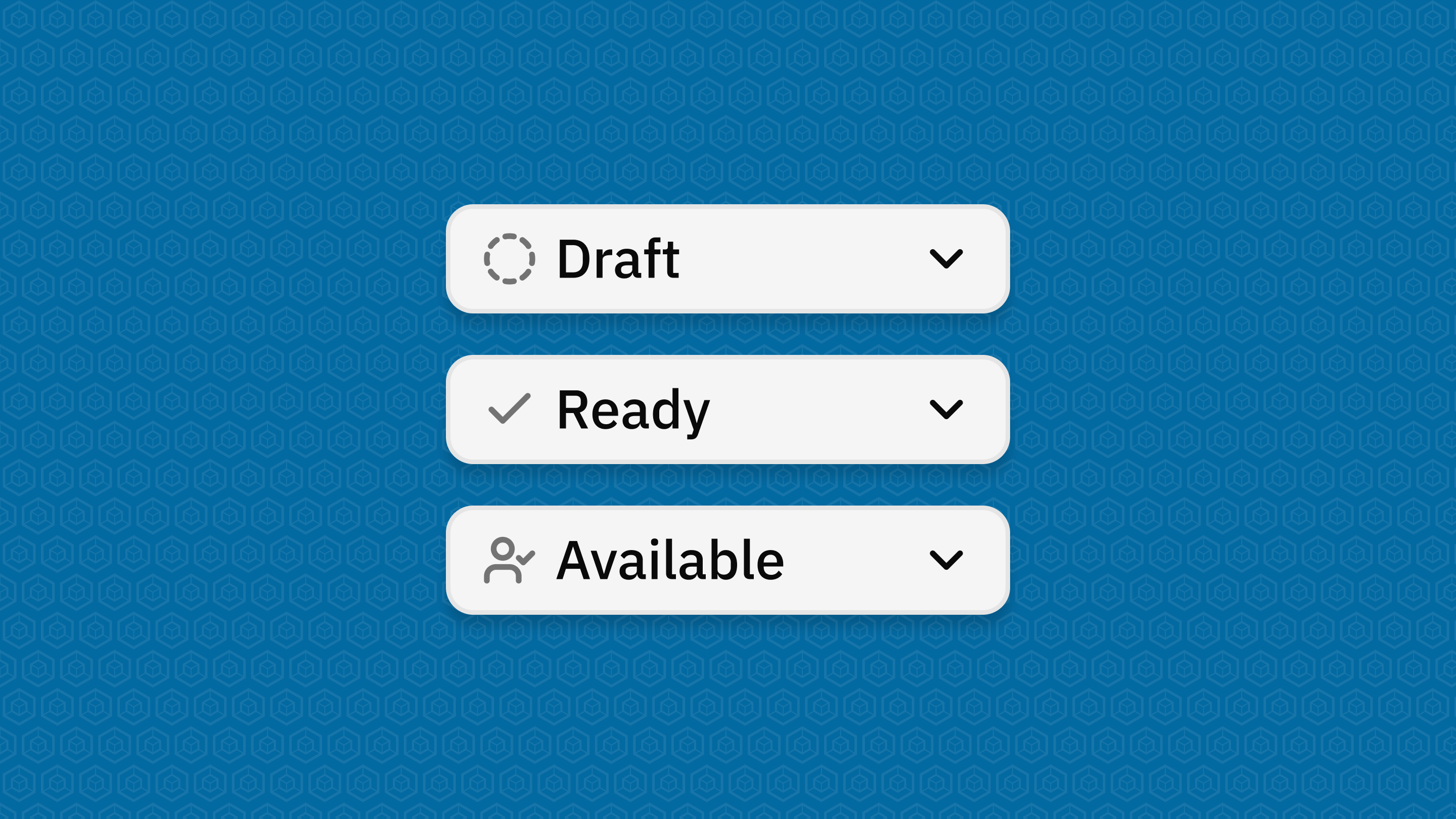
Draft
You are still working on your data-related element.
- You can create and edit content freely
- Required fields can still be incomplete
- You can save unfinished configurations (e.g., pipelines or structure definitions)
→ Use this status while building and iterating.
Ready (Datasets only)
Your Dataset is complete and ready for review.
- All required fields are filled and valid
- The Dataset can be checked before release
- You can still switch back to Draft if needed
→ Use this status to hand over the Dataset for review and release.
Available
Your data-related element is released and can be used by others.
- All required fields are completed and valid
- Access is granted according to the configured permissions
- For Datasets, configured Pipelines become active and the configured APIs provide access to the Dataset Payload
- Changes are restricted to protect stability
→ Use this status to make your data available on the Platform.
Important behavior to understand
Once a data-related element is in use, the Platform protects it:
- Some changes are no longer possible
- Structural updates may require creating a new version or a new data-related element
→ This ensures stability and reliability across the Platform.
Status transitions at a glance
-
You can always move:
-
Draft → Available (Data Structures and Data Sources)
-
Draft → Ready → Available (Datasets)
-
-
You can usually move back:
- from Ready → Draft
- from Available → Ready/Draft (only if not yet used)